Edit PDF
Rewrite the text already in your PDF, add text, images and signatures, erase anything, draw, and reorganise pages — a full editor in your browser.
Split, merge, convert, and edit PDFs with precision. No uploads, no registration, no limits. Your documents never leave your device.
Powerful tools designed to handle any PDF task with speed and precision.
Rewrite the text already in your PDF, add text, images and signatures, erase anything, draw, and reorganise pages — a full editor in your browser.
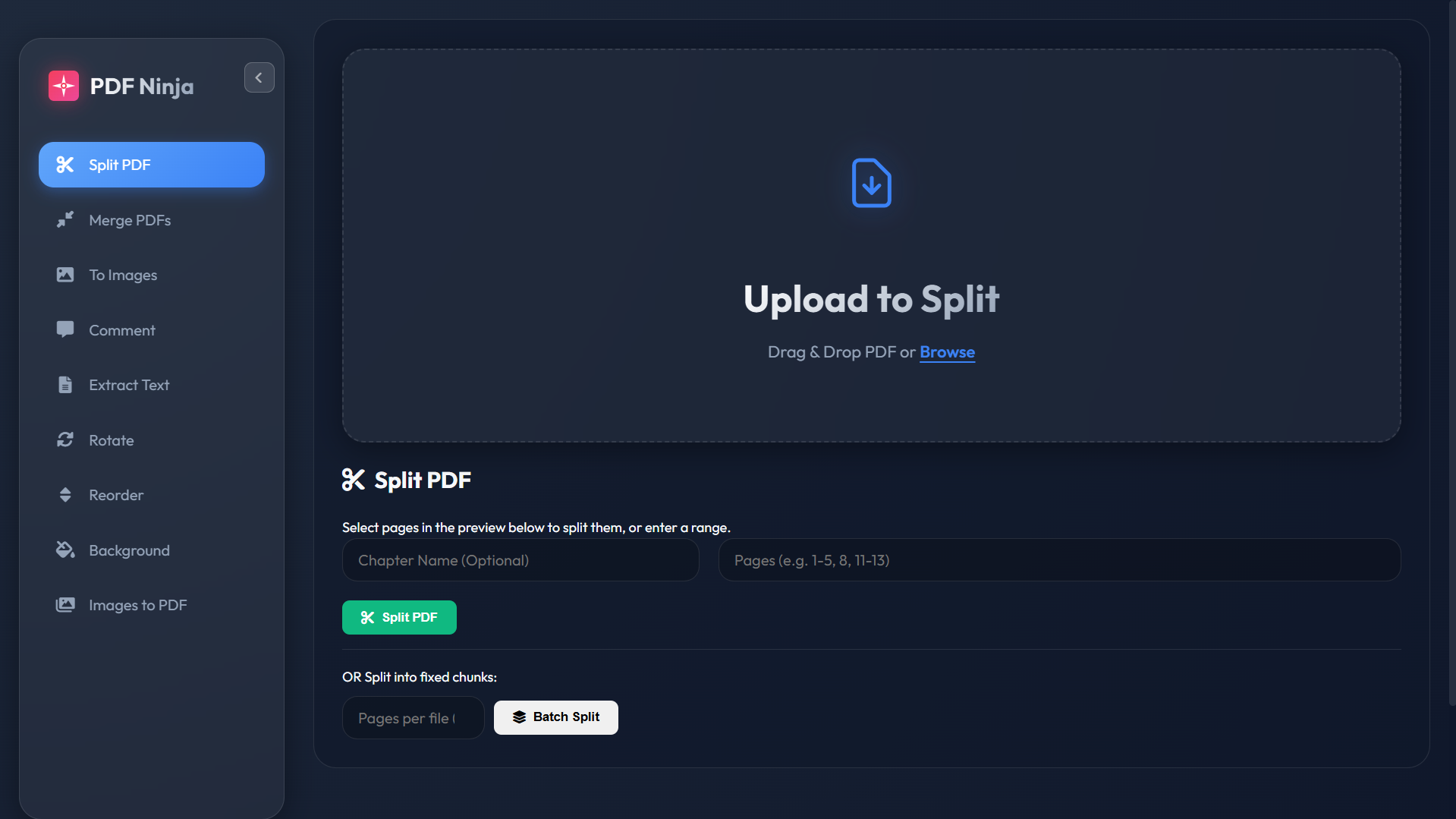
Extract specific pages, split by ranges, or batch split into multiple files. Supports chapter detection.
Combine multiple PDF files into one. Drag and drop to reorder pages before merging.
Convert PDF pages to high-quality JPG or PNG images with customizable quality settings.
Add text, highlights, freehand pen, arrows and shapes. Undo with Ctrl+Z — saved as crisp PDF vectors.
Pull all text content from your PDF. Copy to clipboard or download as a .txt file.
Rotate individual pages or all pages at once. Perfect for fixing scanned documents.
Drag and drop pages to rearrange their order. Visual thumbnails make it easy.
Apply colored backgrounds with adjustable opacity to selected pages.
Convert JPG, PNG, GIF, or WEBP images into a single PDF. Supports A4, Letter, or fit-to-image sizing.
Make a clean digital PDF look like a real scan — paper tint, skew, and grain — with a live preview.
Convert a PDF's text into clean Markdown with automatic heading and list detection.
Shrink file size by re-encoding pages, with a live before/after size estimate.
Recognize text in scanned or image-only PDFs. Export as text or a searchable PDF. Many languages.
Encrypt a PDF with a password — entirely in your browser, nothing ever uploaded.
Remove the password from a protected PDF (with the correct password) for an open copy.
Select unwanted pages from a thumbnail grid and remove them in one click.
Stamp a diagonal text watermark across every page with adjustable color and opacity.
Add page numbers with your choice of position, format and starting number.
PDF Ninja Pro is different. Here's why.
Your files never leave your device. All processing happens locally in your browser. No servers, no uploads, no data collection.
No waiting for uploads or downloads. Operations complete instantly because everything runs on your machine.
No paywalls, no premium tiers, no trial limits. Every feature is free for everyone, forever.
Jump straight in. No accounts to create, no emails to verify. Just open and start editing.
Select from 19+ powerful PDF tools in the sidebar. Each tool is optimized for a specific task.
Drag and drop your file or click to browse. Your PDF loads instantly — no uploading to servers.
Make your changes and download the result. It's that fast. No waiting, no limits.
Extract chapters, merge lecture notes, convert slides to images for studying.
Merge reports, split contracts, add annotations for review, reorder proposals.
Organize scanned documents, fix rotated pages, create PDFs from photos.
Open-source codebase on GitHub. Learn, contribute, or fork for your own projects.
Yes, PDF Ninja Pro is completely free to use. There are no hidden fees, no premium tiers, and no registration required. All features are available to everyone.
Absolutely! PDF Ninja Pro processes all files directly in your browser. Your PDFs are never uploaded to any server. Your documents stay completely private and secure on your device.
You can split, merge, convert to images, extract text, rotate, reorder, and annotate PDFs (text, highlights, freehand drawing and shapes). You can also add colored backgrounds, convert images to PDF, make a PDF look scanned, convert a PDF to Markdown, compress it, run OCR to get text or a searchable PDF, and password-protect (encrypt) it.
No installation required. PDF Ninja Pro runs entirely in your web browser. It works on Windows, Mac, Linux, and even mobile devices.
Since processing happens in your browser, the only limit is your device's memory. Most users can easily handle PDFs of 50-100MB or more.
Yes! The interface is fully responsive and works on smartphones and tablets. Access it from any modern mobile browser.
Join thousands of users who trust PDF Ninja Pro for their document needs.
Launch PDF Ninja Pro